Guide
Virtual Guarding: A Buyer's Guide for Commercial Properties
Cameras, detection software and a live operator who can see, speak and call for help. What a virtual guard does, what it can't do, and how to tell a good service from an alarm queue with a new name.
What virtual guarding is
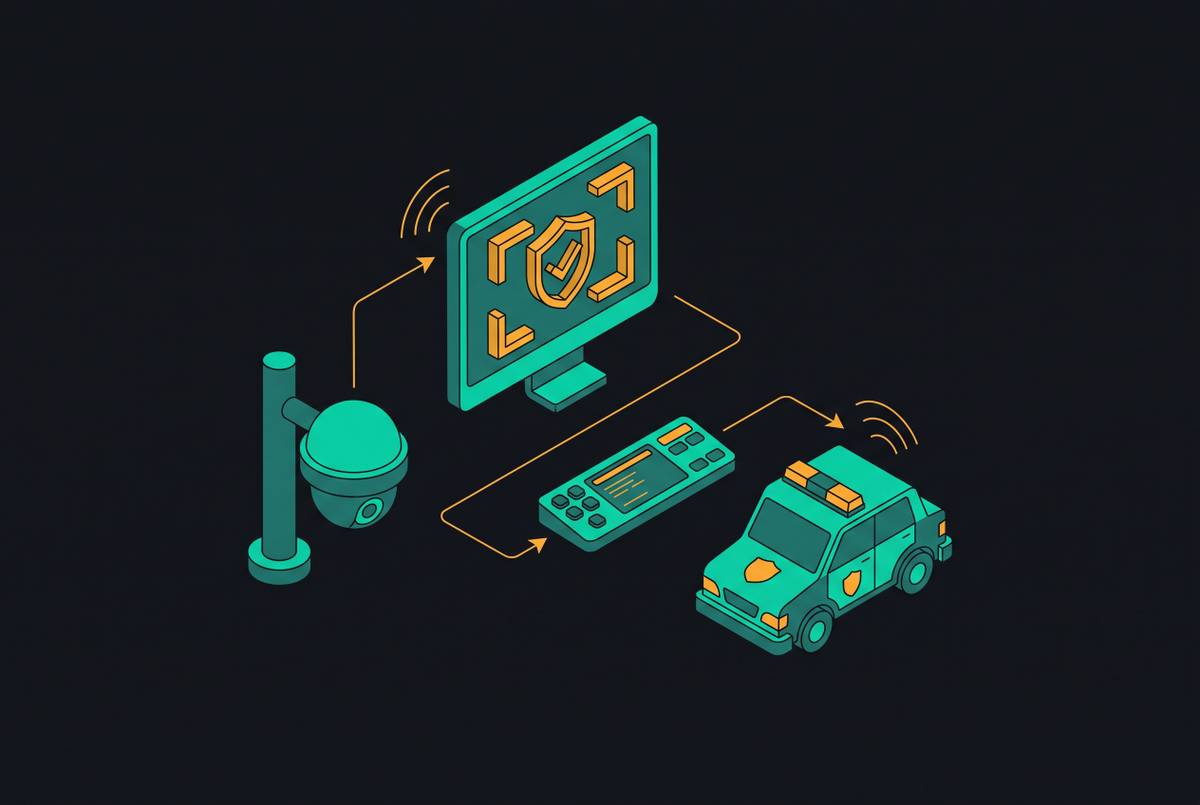
Virtual guarding (also sold as a virtual guard, virtual security guard or remote guarding service) is live video monitoring that acts, not just records. Cameras on the property watch for activity, software decides which activity a person needs to see, and a remote operator looks at the live scene and responds while it is still happening: speaking to the intruder through an on-site speaker, calling the police or a keyholder, and logging what they saw.
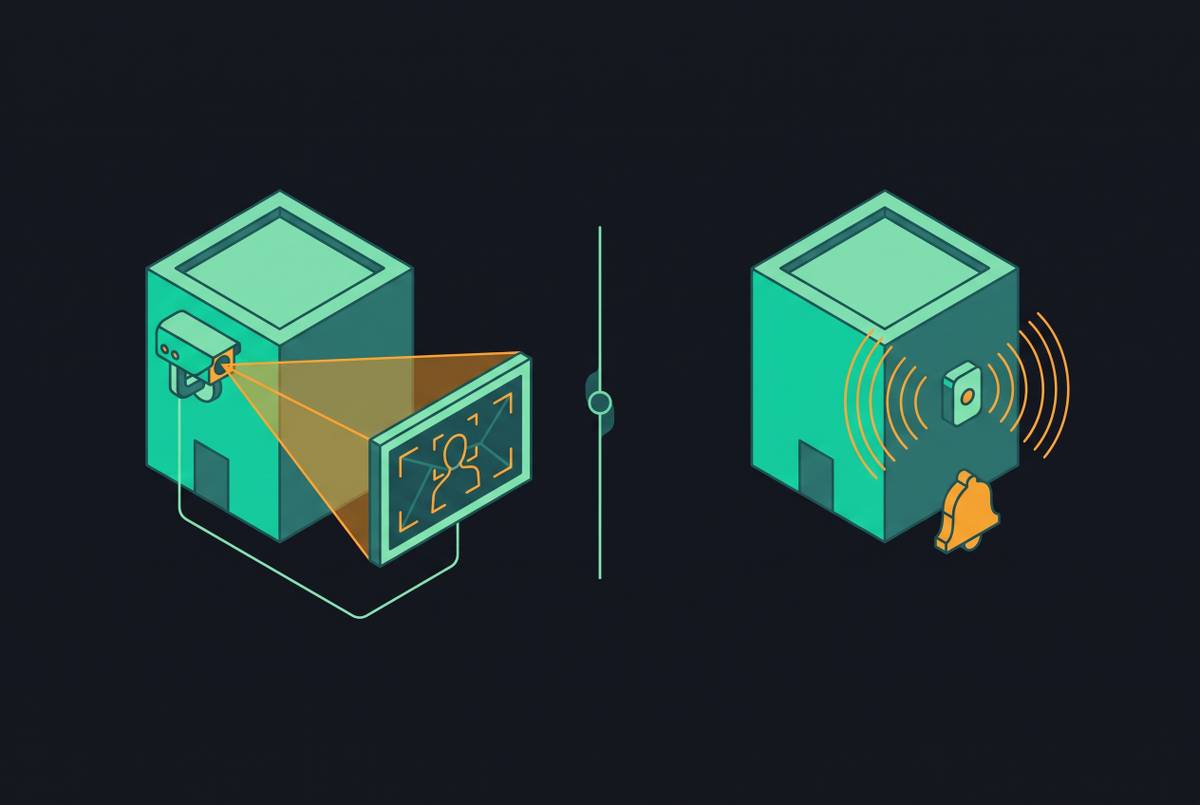
The difference from recorded CCTV is timing: recorded video tells you what happened after the fact. The difference from a traditional burglar alarm is evidence: an alarm tells the monitoring center that a sensor tripped, while a virtual guard sees what tripped it. If that distinction is new, start with video verification vs alarm verification.
How a virtual guard service works, step by step
Services differ in the details, but most run the same loop:
- Detect. Cameras covering the perimeter, entrances and high-value areas run motion or object detection during the hours you choose to arm them.
- Filter. Analytics, increasingly AI models, screen out what isn't a person or vehicle (weather, animals, headlights, swaying branches) and, on better services, activity the site has told it is authorized. See how AI filters environmental noise and authorized activity recognition.
- Verify. A live operator opens the camera feed, confirms what is happening and decides whether it is a threat.
- Deter. The operator issues a live talk-down through on-site speakers, often describing the person and what they are doing so they know they are being watched. Some sites add lights or sirens the operator can trigger.
- Escalate. If the person doesn't leave, or the event is serious, the operator calls the police with a description of what they are watching, then notifies the contacts on your call list.
- Report. The event is logged with clips and timestamps, so you can see what was flagged, what the operator did and when.
The people in the loop matter as much as the software. A useful model is to let AI agents do the screening and let humans make the dispatch call; AI agent roles in a human-in-the-loop monitoring workflow walks through that split.
Virtual guarding vs on-site guards vs alarm monitoring
Virtual guarding sits between a guard on site and a monitored alarm. How the three compare in practice:
| On-site guard | Virtual guard | Monitored alarm | |
|---|---|---|---|
| What it sees | What one person can see from where they are standing or patrolling | Every armed camera, live, when the software or a schedule puts it in front of an operator | A sensor signal and a zone name, no picture |
| How it deters | Visible presence, challenging people in person | Live voice talk-down, lights or sirens, visible cameras and signs | Siren, and whatever the signs say |
| Physical intervention | Yes, within the guard's training and post orders | No: the operator can speak and call, not act | No |
| What police hear | A witness on scene | An operator describing what they are watching live | An alarm with no confirmed cause, which many agencies rank lower |
| Where it breaks | Fatigue, breaks, one place at a time | Queued events at the operator's desk, network or power loss, blind spots | False alarms, slow or no police response |
On police response specifically, read police dispatch priority for video-verified alarms. Policies are set locally, so ask your own police department how they treat a call from a monitoring operator who is watching live video.
Where virtual guarding fits, and where it doesn't
It suits sites that are empty or thinly staffed for long stretches, where nobody should be on the property at night, and where a few minutes' warning protects a lot of value:
- Construction sites, with equipment, copper and materials in the open after hours
- Car dealerships and vehicle or equipment lots
- Warehouses, distribution yards and industrial sites with large perimeters
- Storage facilities, substations and other remote or unstaffed sites
- Retail and office properties after closing, parking lots and garages, and multifamily common areas
It is a weaker fit where someone has to physically act: controlling access at a staffed entrance, removing people, responding to medical calls, or meeting a requirement in a lease, insurance policy or regulation that names an on-site guard. Many properties end up with a mix, a guard where a person is needed and virtual coverage for the rest of the site and the hours around it.
It also only covers what the cameras see. Before comparing services, map the property: camera count is not the same as monitoring coverage.
The weak point: the queue at the operator's desk
Every virtual guard service ends at a person who can watch one event at a time. When events arrive faster than operators clear them, they wait in a queue, and the talk-down that should happen while someone is climbing the fence happens after they have left. Night shifts, storms and holiday weekends are when queues build.
Two things decide whether that happens to your site: how much noise reaches the operator, and how many sites each operator is covering when it gets busy. The first is a filtering question (why the alarm queue is the root failure mode). The second is staffing (staffing ratios and peak-hour coverage gaps). Watch, too, for the quiet fix overloaded centers reach for: muting the cameras that alert the most.
Questions to ask a virtual guard provider
Ask every provider the same questions, and ask for the answers in writing:
- What puts an event in front of an operator? Motion, AI person and vehicle detection, a schedule, an intrusion sensor? Can the site tell it what activity is authorized?
- How fast is response, measured from when? From the moment the camera detects activity, or from when an operator picks the event up? Ask for figures from a busy night, not an average. False alarm rates and response times explains why the starting point matters.
- What happens when events pile up? How many sites and cameras does one operator cover at peak, and does anything get skipped, delayed or auto-closed?
- Will any of my cameras ever be muted or disarmed? Who decides, and will you be told?
- Who are the operators and where do they work? Training, language, in-house or subcontracted. See offshore monitoring center tradeoffs.
- What does the talk-down sound like, and what is the escalation script? Who gets called, in what order, and what does the operator tell the police?
- What do I get after an event? Clips, timestamps and a written report for every event, and access to the full event log, not only the ones the provider escalated.
- How is accuracy measured? Ask for the metrics in AI monitoring accuracy metrics security buyers should demand, from sites like yours.
- What happens when the site loses power or internet? Is there battery backup and cellular failover, and are you alerted when cameras go offline?
What virtual guarding costs, and how to compare quotes
Prices aren't published in a standard way, so there is no fair single number to quote here. Get written quotes for your own site, with the same cameras, hours and response plan, from at least two or three providers. Pricing is commonly built from some mix of:
- Cameras or sites covered, and the hours each is armed
- Hardware: whether cameras, speakers, lighting and mobile surveillance units are bought, leased or bundled into the monthly fee
- Installation and site setup
- Event or alarm allowances, and the overage charged above them
- Contract length, minimum term, auto-renewal and cancellation terms
Read the overage clause closely. A contract that charges per event above an allowance moves the cost of false alarms onto you, and gives the provider little reason to reduce them. Overage billing in traditional monitoring contracts shows what to look for.
Frequently asked questions
Is a virtual guard the same as remote video monitoring?
Virtual guarding is a kind of remote video monitoring. The term usually means proactive, live monitoring with a response, an operator who watches as events happen, talks down intruders and calls for help, rather than a service that reviews video after an alarm or keeps recordings.
Can a virtual guard replace an on-site security guard?
For watching and deterring on a site that should be empty, often yes. Where someone must physically act (staffing an entrance, removing people, first aid) or a contract or regulation requires a guard on site, no. Many properties combine the two.
Does a virtual guard call the police?
Yes, when the event calls for it and your response plan says so. Because the operator is describing what they are watching live, the call carries more than an unverified alarm, but how quickly police respond is set by your local department.
What equipment does virtual guarding need?
Cameras that cover the areas you care about, day and night, a reliable internet connection (ideally with cellular backup) and on-site speakers for talk-down. Some providers work with existing cameras; others install their own or use mobile surveillance towers on sites without power or network.
How much does a virtual guard cost?
It depends on the site, the number of cameras, the hours covered, hardware and contract terms, and providers don't publish prices in a comparable way. Get written quotes for the same scope from several providers and compare overage and cancellation terms as well as the monthly price.